Meeting notes that stay on your Mac.
Ghira records your calls and in-person meetings in English, Vietnamese, or both in one sentence. It shows who said what as people talk, then writes notes you can check line by line. All of it runs on your Mac.
- Runs on your Mac
- No bot joins your call
- No account needed
- Open source, Apache 2.0
Pre-release for Macs with Apple Silicon and macOS 14.2 or later.
Okay, let's start. Today we lock the scope for the November beta.
I collected feedback from 12 user tests. The biggest problem is telling speakers apart in in-person meetings.
The new Nemotron cuts errors a lot, but we can't export
Nothing joins your call
Ghira listens through your Mac, so there is no extra participant to explain and nothing for the other side to approve.
No bot in the meeting
Ghira records your microphone and the meeting app's sound on your Mac. Nobody new appears in the participant list.
Any meeting app
Zoom, Google Meet, Microsoft Teams or anything else that plays sound. Turn on detection and Ghira offers to record when a call starts.
In the room too
Switch to Room for an in-person meeting, on the Mac or the iPhone. Speakers are still told apart.
After the call, notes you can check against what was said
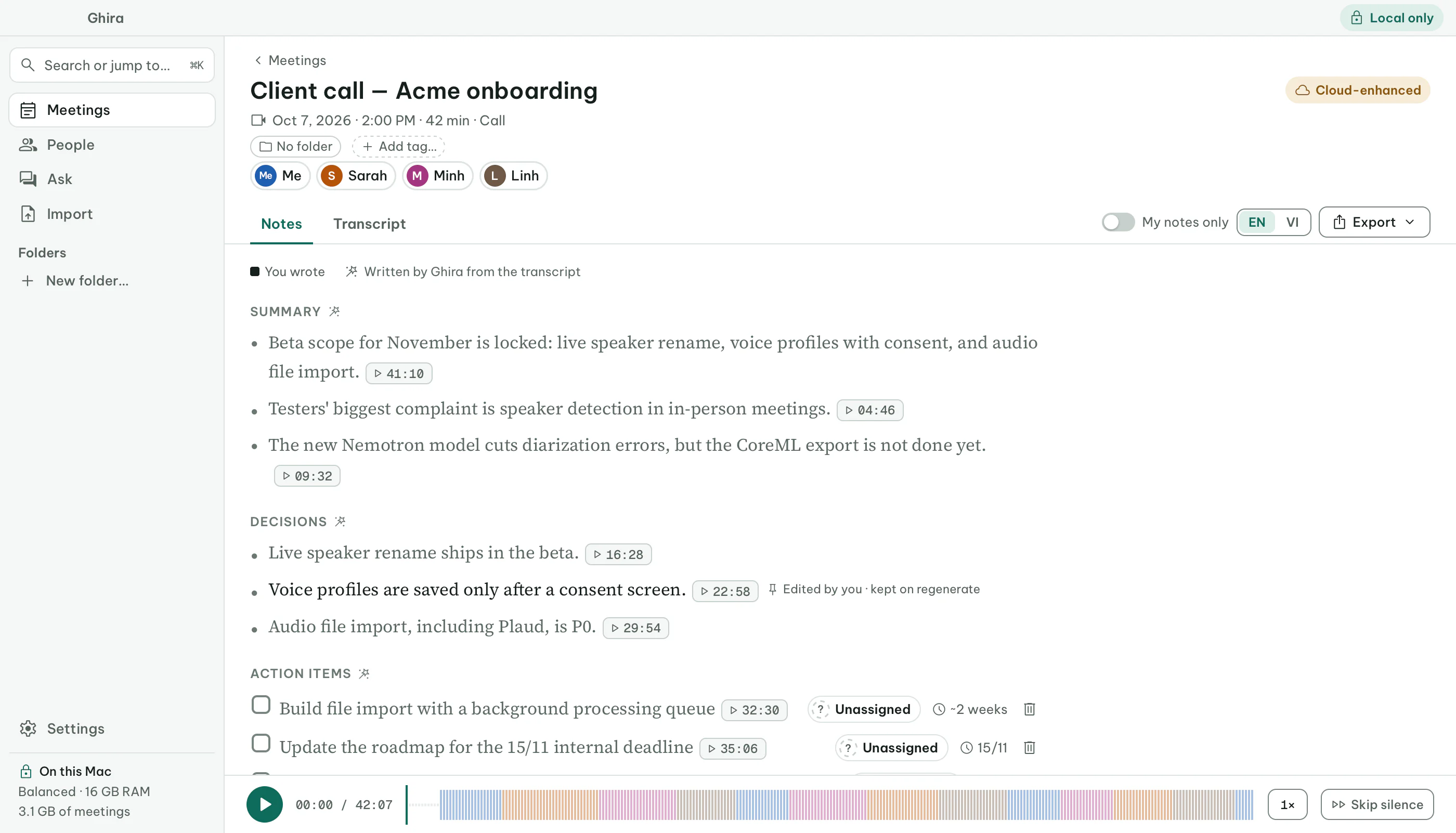
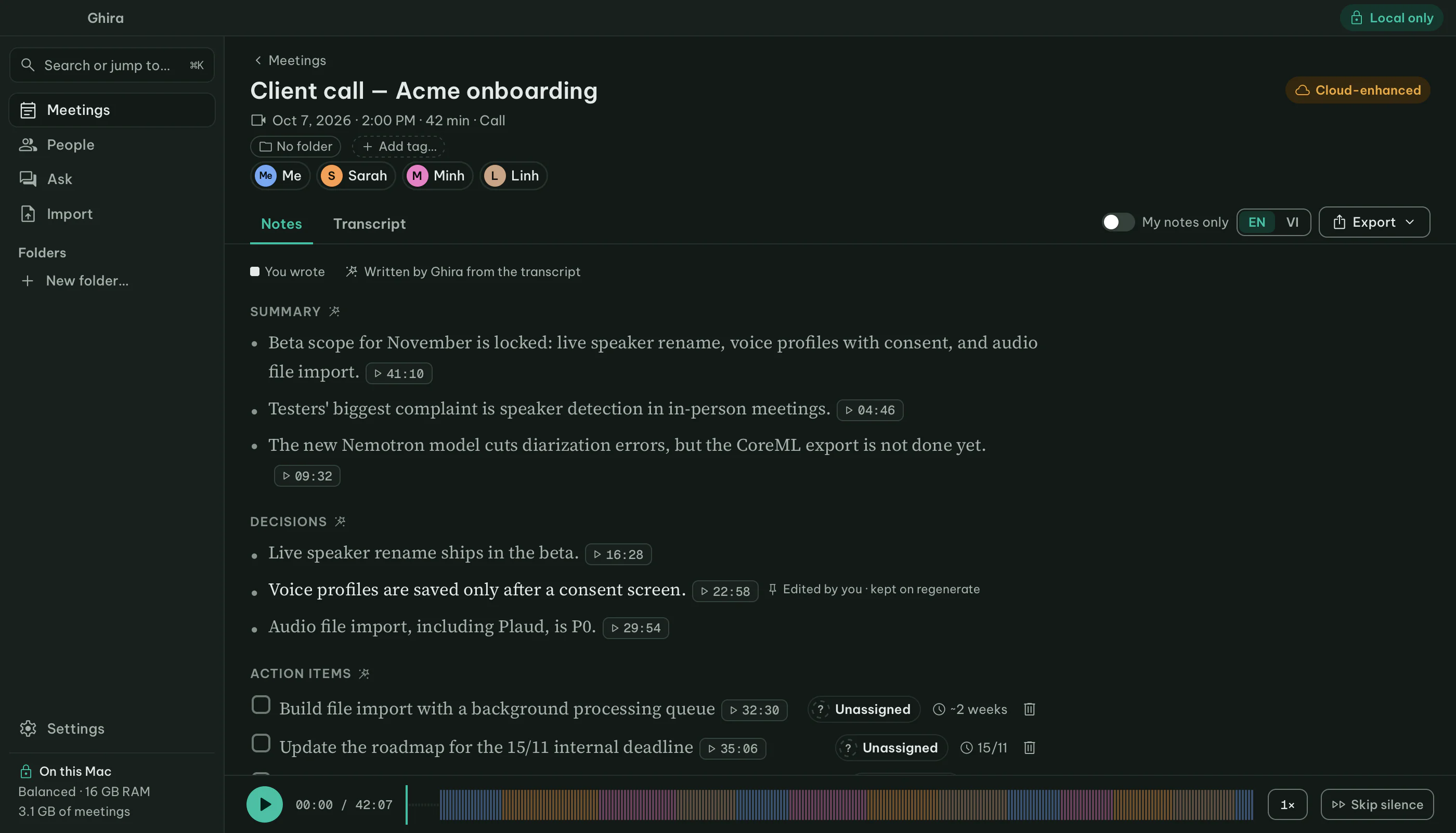
A model on your Mac writes the summary, decisions, action items with owners, and the open questions. Every sentence links to the moment it came from. Select a time to see the line it cites.
Summary
- Beta scope for November is locked: live speaker rename, voice profiles with consent, and audio file import.
- Testers' biggest complaint is speaker detection in in-person meetings.
- The new Nemotron model cuts diarization errors, but the CoreML export is not done yet.
Decisions
- Live speaker rename ships in the beta.
- Voice profiles are saved only after a consent screen.
- Audio file import, including Plaud, is P0.
Action items
- Build file import with a background processing queue
- Update the roadmap for the 15/11 internal deadline
- Send updated speaker panel mockups
- Spec the voice consent screen
Your notes, filled in
- rename speakers live?
Sarah: testers want to rename speakers during the call, not after. Agreed as a beta must-have.
- plaud import
Half of the testers own a Plaud, so import is P0. Minh estimates about two weeks, including a background queue.
- beta scope nov
Scope confirmed at the end of the call: live rename, consented voice profiles, file import.
- ask about pricing tiers
Not discussed in this meeting.
Open questions
- When will the CoreML export of Nemotron be ready?
- Which Plaud export formats does import need to support?
On your Mac, and in your pocket
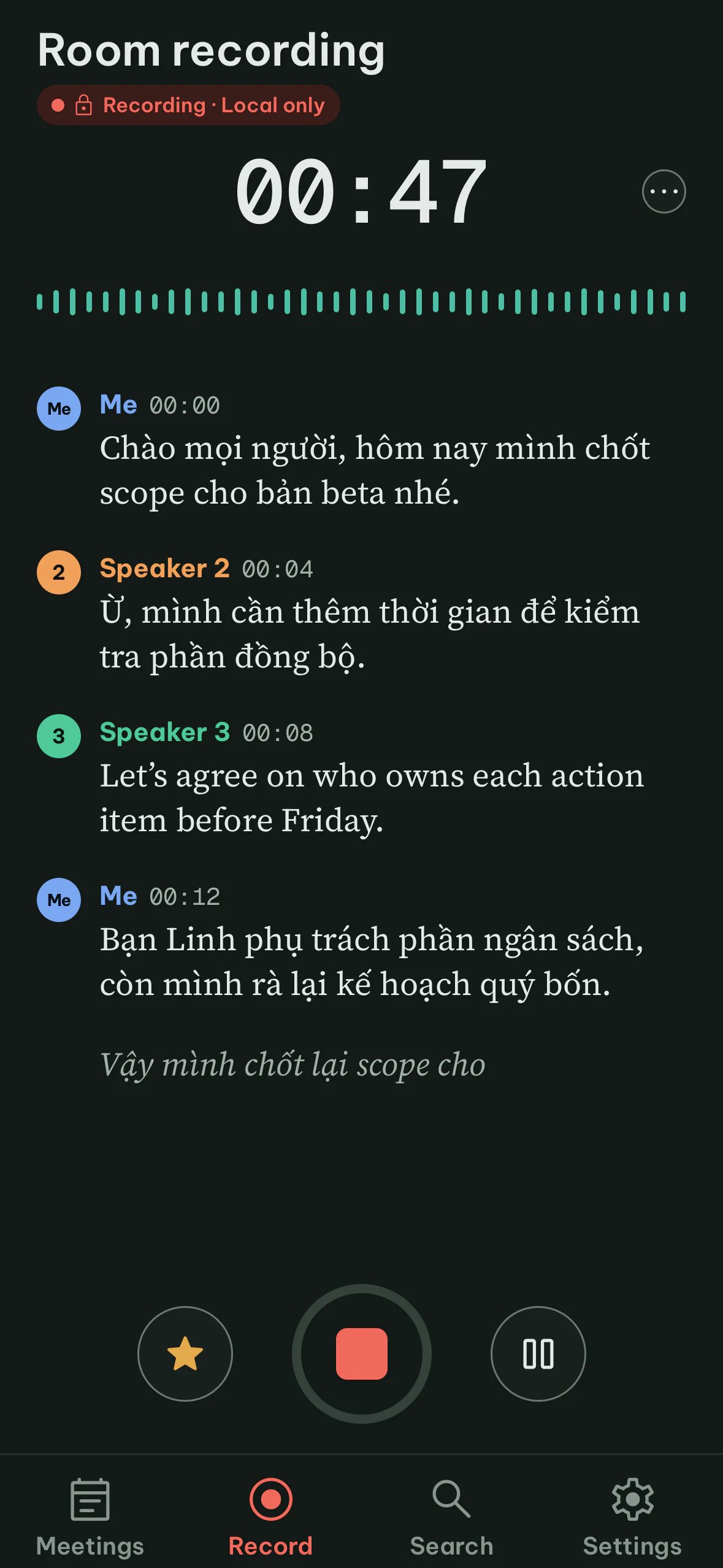
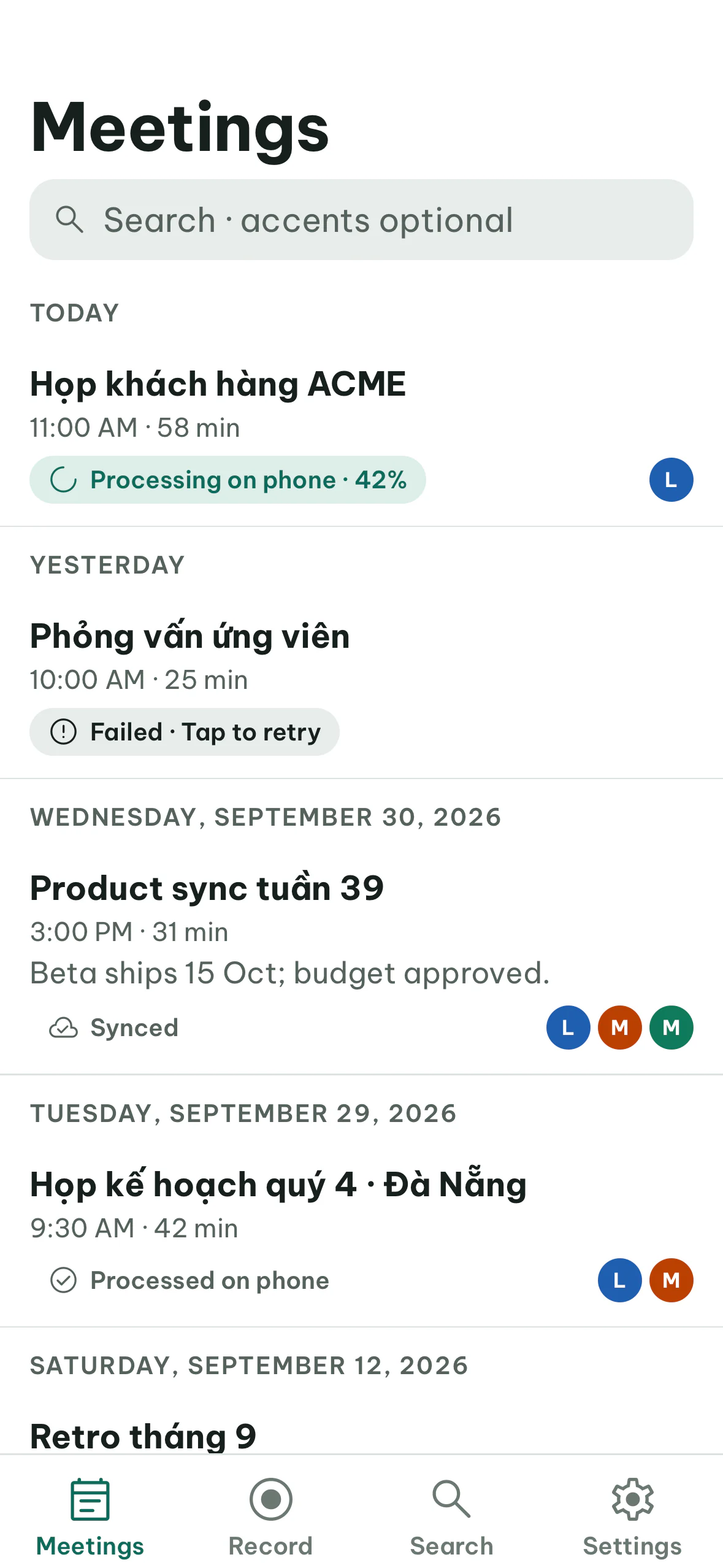
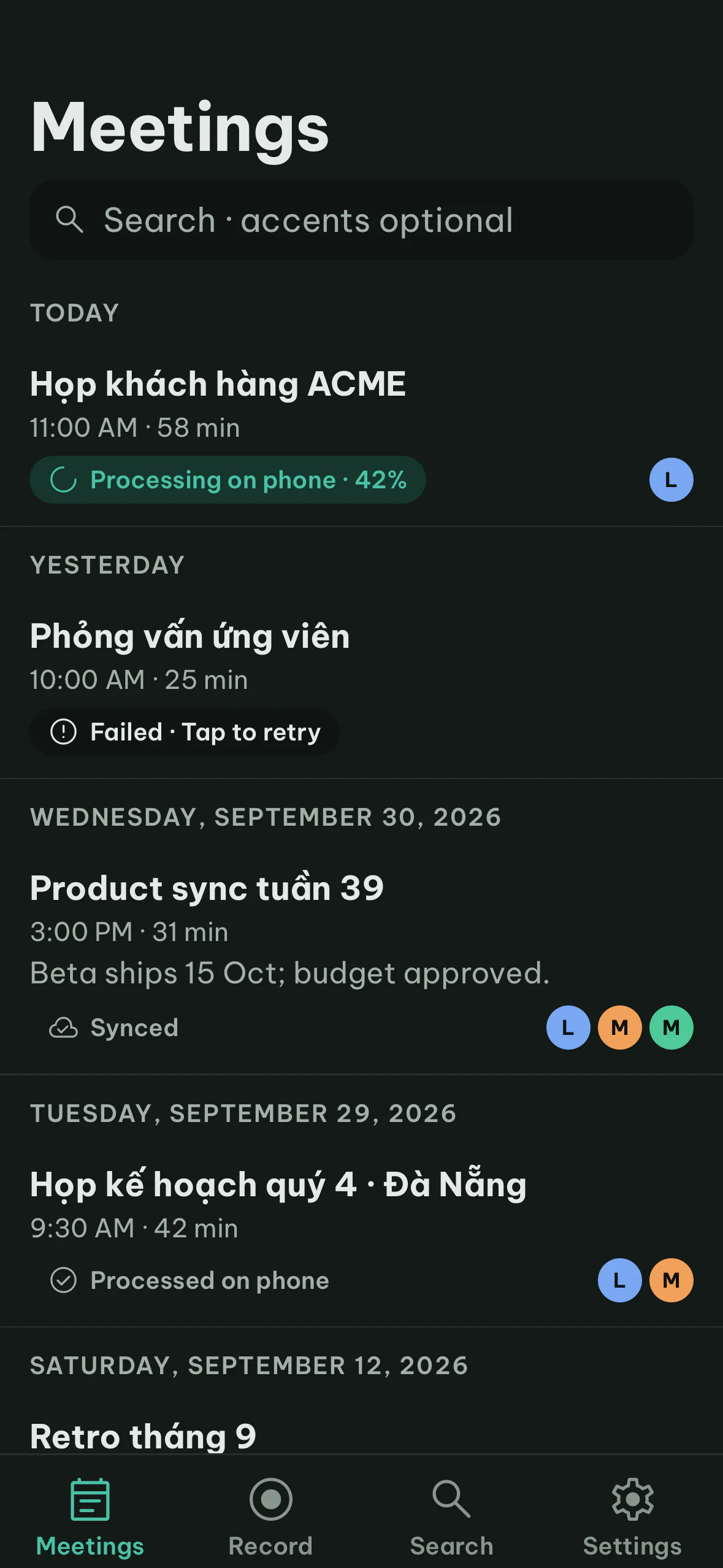
The Mac app records calls and writes the notes. The iPhone app records meetings in the room and hands them to your Mac over your own network.
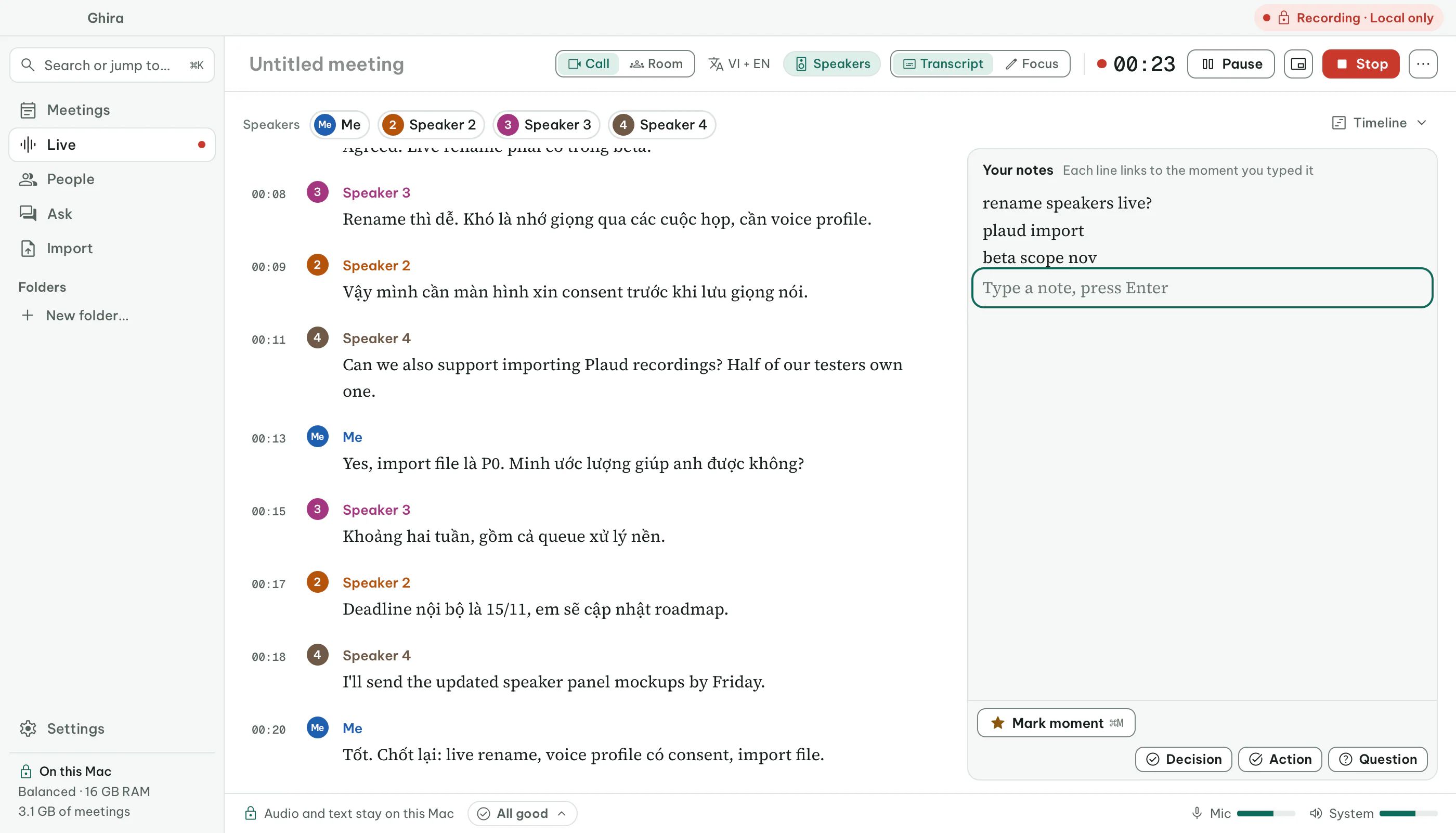
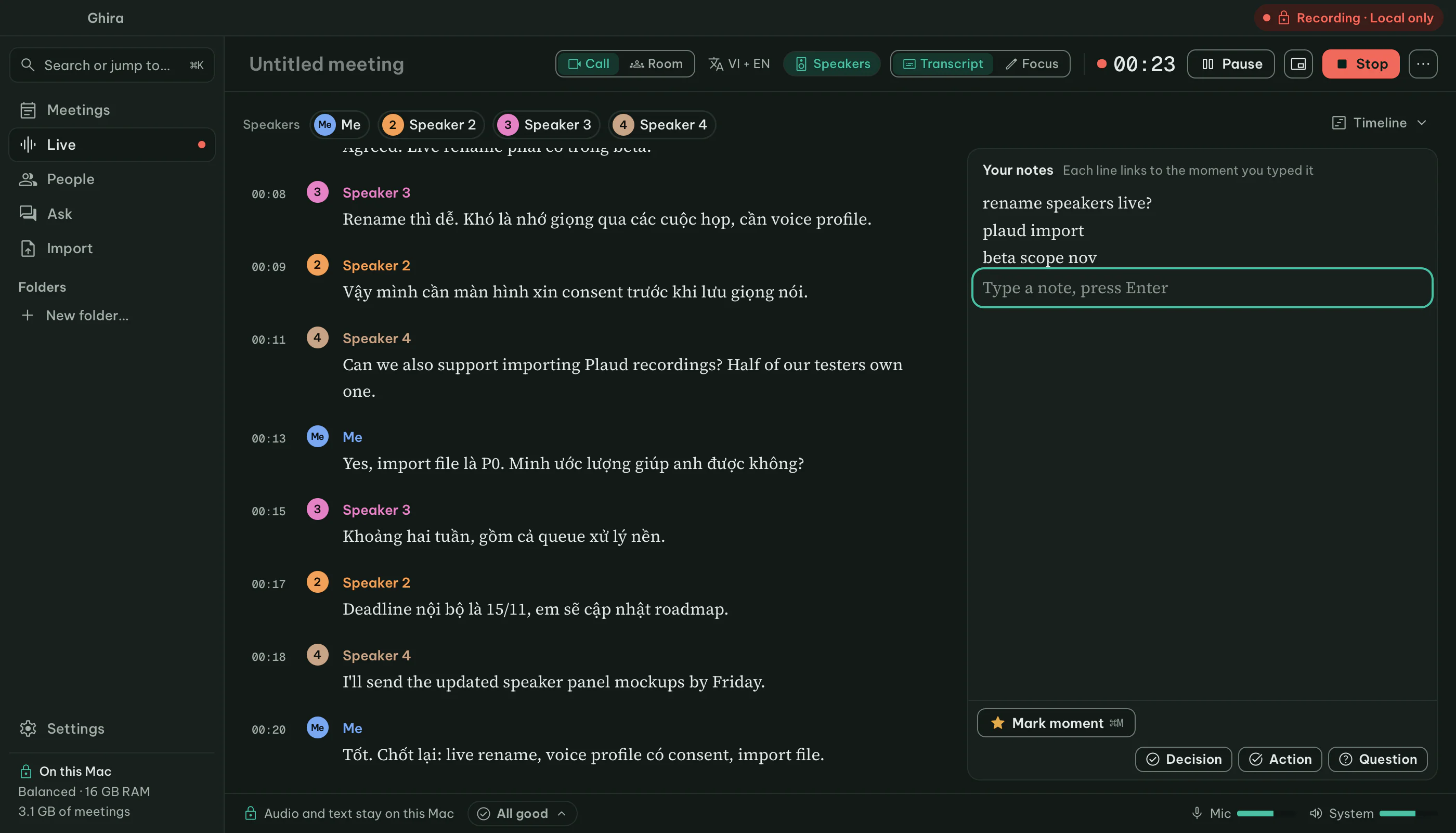
Speakers get a color and a number as they talk. Rename them during the call, and type your own notes beside the transcript.
Ghira for iPhone
Record a workshop or a 1:1 away from your desk. The transcript appears as people talk. When you're back, your Mac writes the notes.
In testing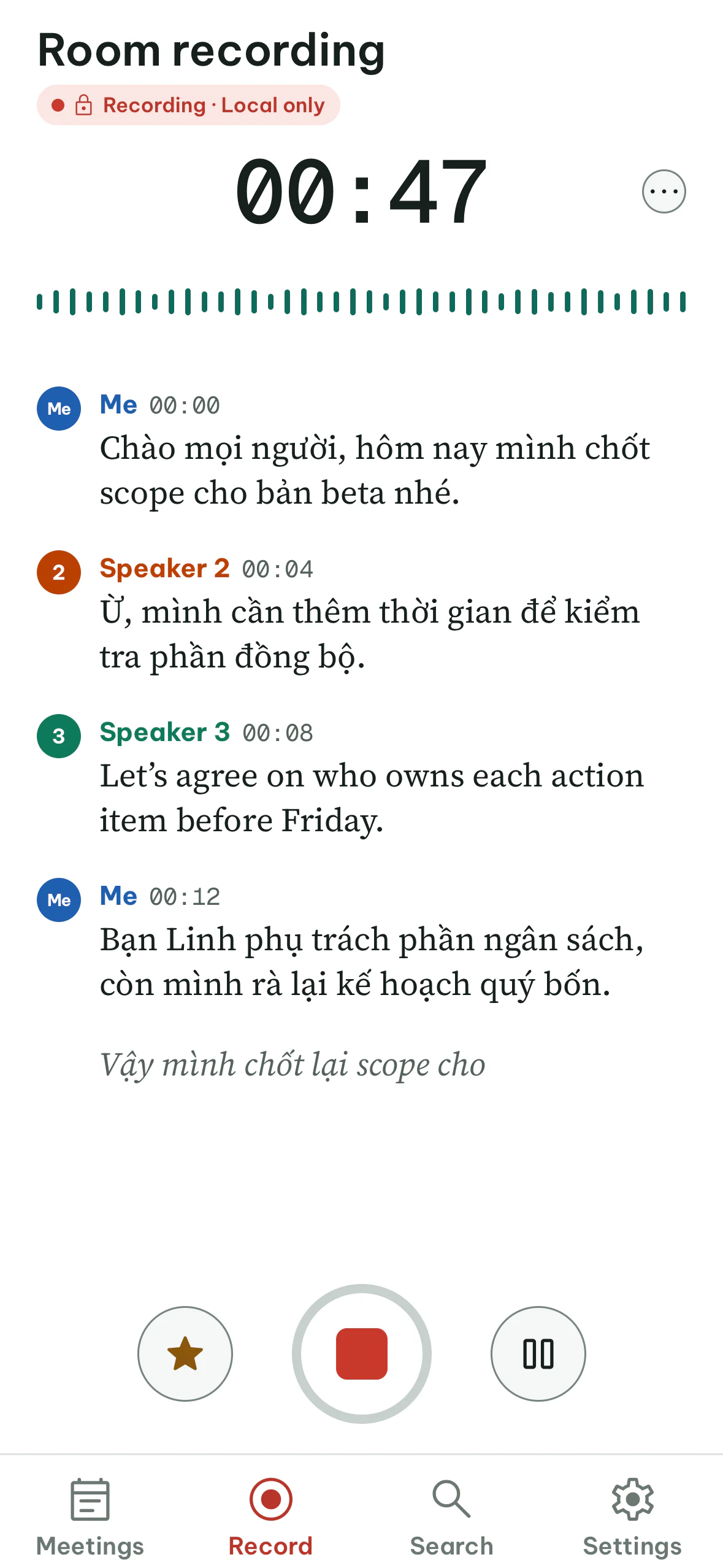
What leaves your Mac
Ghira works offline. These are the rules, and anyone can check them in the code: every network call goes through one small module.
Your meetingsAudio, transcripts, notes, voice profiles, titles, people
Never sentTwo exceptions, each one you turn on yourself: cloud AI for a single meeting (text only, after you review it), and sync with your own devices over your local network (end-to-end encrypted).
Model downloads and update checksNo meeting content
Allowlist onlyModel downloads: Hugging Face only. Update checks: off until signed releases exist (then GitHub Releases only, no ID). Strict offline turns both off.
Telemetry and analytics
NoneCrash reports and the event log stay on your Mac. You can open them, read them, and send them yourself.
Fonts and icons
BundledNothing is loaded from the internet while you use the app. The models download once, then run on your Mac.
Cloud AI is off until you choose it for one meeting
Before anything is sent, you see the exact text. Names, email addresses and phone numbers can be hidden. Audio is never sent, and neither are the notes you type yourself.
Linh: Em đã gom feedback từ 12 user test, gửi qua linh.tran@studio.vn.
Sarah: Call me on +84 90 123 4567 if the mockups are late.
[PERSON 2]: Em đã gom feedback từ 12 user test, gửi qua [EMAIL].
[PERSON 4]: Call me on [PHONE] if the mockups are late.
You bring your own API key. Ghira runs no server, so it never sees your key or your data. This website has no analytics or cookies either.
How it compares with cloud note takers
Most AI note takers send your meeting to their servers. Ghira does the same work on your own computer.
| Question | Typical cloud note taker | Ghira |
|---|---|---|
| Where your audio is processed | On their servers | On your Mac |
| Something joins the call | Often a bot | Nothing joins |
| Account to sign up for | Required | None |
| Works with no internet | Needs a connection to transcribe | Yes, after the models download |
| Vietnamese, and both in one sentence | Varies by tool | Built for it |
| Source code you can check | Closed source | Open, Apache 2.0 |
Sources. Typical means the public documentation of well-known cloud note takers, read in October 2026. Tools differ, and plans differ within a tool.
- Where your audio is processed: tl;dv security, Otter processing times
- Something joins the call: Fireflies, Fathom on Teams
- Account to sign up for: Fathom quick start, Otter terms, section 3.1
- Works with no internet: Otter processing times, Fireflies offline recordings
- Vietnamese, and both in one sentence: Otter languages, Fireflies multi-language mode
- Source code you can check: Otter terms, section 11, Fireflies terms
Everything else it does
Speakers and voices
People are told apart as they talk, and you can rename them during the call. Ghira can learn your own voice, with your consent. Profiles for other people come later.
Search every meeting
Accents are optional, so “hop” finds “họp”. Ask a question across meetings and get an answer with its sources. Matching by meaning needs the Balanced or Max models.
Import recordings
Voice Memos, Plaud, Zoom recordings with a file per participant, or any audio or video file.
Export anywhere
Markdown, Word, plain text, subtitles, or an Obsidian folder. Draft a follow-up email from the notes.
Encrypted on disk
Each meeting has its own key. Deleting a meeting destroys the key, so its audio and text can't be recovered.
Your calendar
Optional. Ghira offers to record when a meeting starts and uses the attendees' names to spell them right.
iPhone and sync
Record on your phone and let your Mac write the notes. Sync runs over your own network, end-to-end encrypted.
In testingApp lock
Lock Ghira with Touch ID or your password. A recording in progress keeps going while it's locked.
Questions people ask first
Does any of my audio go to the internet?
No. Audio is recorded and transcribed on your Mac and never goes to the internet. Even when you choose cloud AI for one meeting, only the transcript text you reviewed is sent.
Does a bot join my Zoom, Meet or Teams call?
No. Ghira records your microphone and the meeting app's sound on your Mac, so nothing appears in the participant list.
Do I need an account?
No. There is nothing to sign up for. Ghira runs no server, so there is nowhere to log in.
Which languages does it understand?
English and Vietnamese, including both in the same sentence. Notes are written in the meeting's language, and you can switch them.
What do I need to run it?
A Mac with Apple Silicon and macOS 14.2 or later. The speech and notes models take a few GB of disk space and download once.
How much does it cost?
Ghira is open source under the Apache 2.0 license. If you choose cloud AI for a meeting, you use your own API key and pay that provider directly.
Is there a Windows or Android app?
Not yet. The Mac app comes first, the iPhone app is in testing, and Windows is planned.
Try it today
There is no signed download yet. You can build Ghira from source on a Mac with Apple Silicon.
# Needs Rust, Node 22 with pnpm, CMake 3.26+ and Xcode
git clone https://github.com/nhtera/Ghira.git && cd Ghira
git submodule update --init
pnpm install && pnpm build
./tools/scripts/build-nemo.sh
pnpm --filter @ghi/desktop tauri dev --features nemo
On first launch Ghira downloads the speech models for your Mac, a few GB, each checked against a pinned SHA-256. Step-by-step guide in Install from source.